32
Original stills
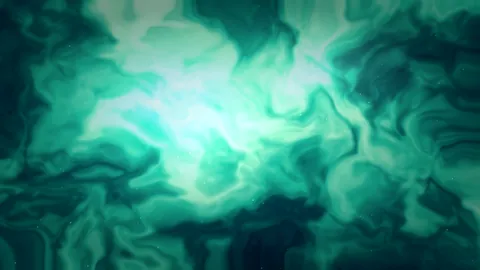
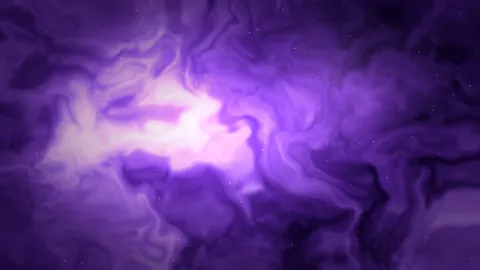
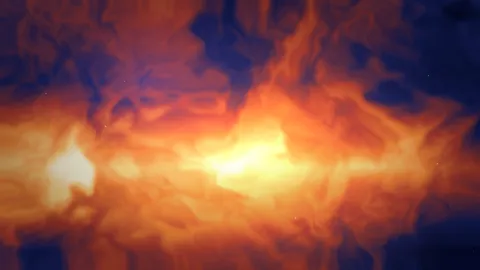
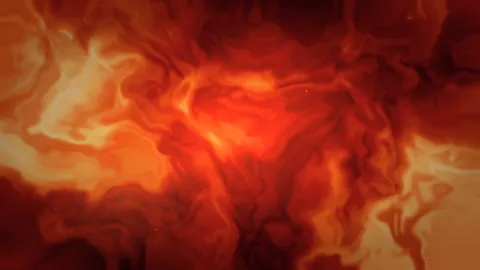
Every scene has a 4K, 5K, 6K, and 16:10 MacBook file.
Free wallpapers for Mac
Original stills in 4K, 5K, and 6K, plus short looping live wallpapers as MP4 and WebM. Preview them on a desktop frame, then download the size that fits your Mac. No account, and no app to install.
Thirty-two original stills and eight live loops. Direct file downloads only.
This is one of the eight short live loops in the gallery. The same file is available as MP4 and WebM from its wallpaper page.
 Ember Silk
 Mist Forest Light
 Midnight Tide
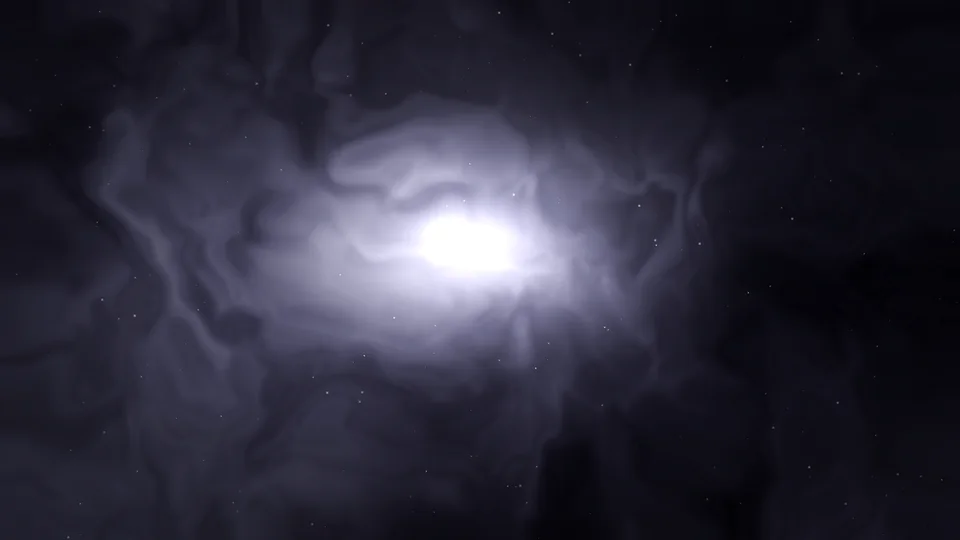 Lunar Dust
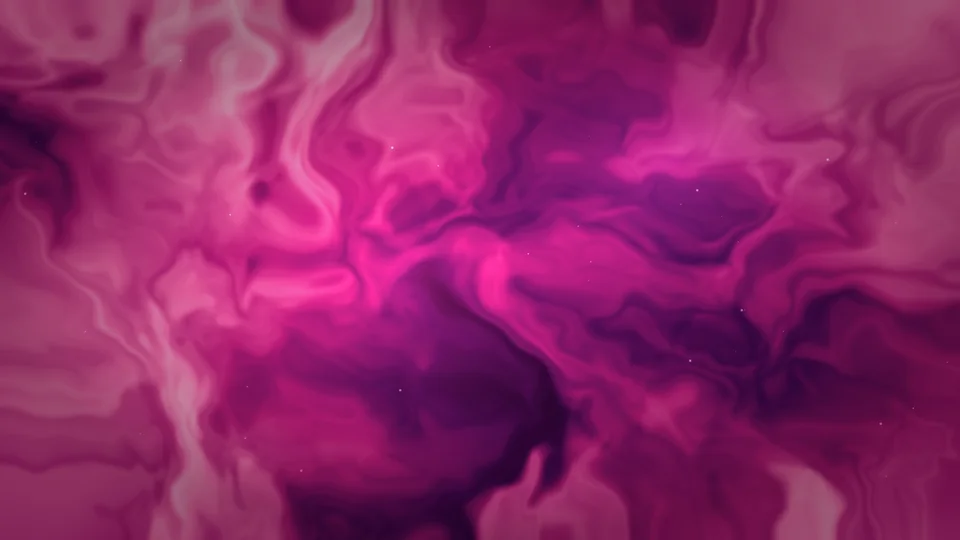 Orchid Current
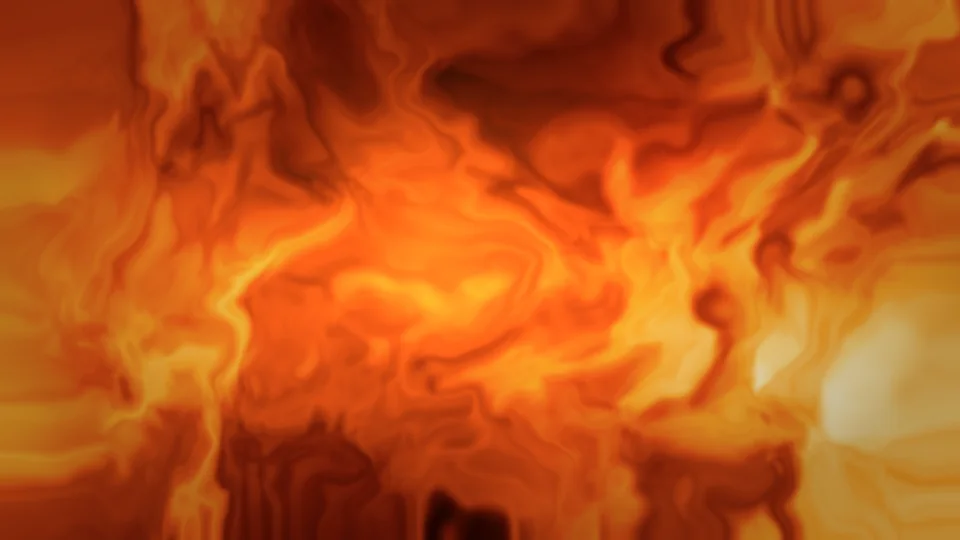 Citrus Bloom
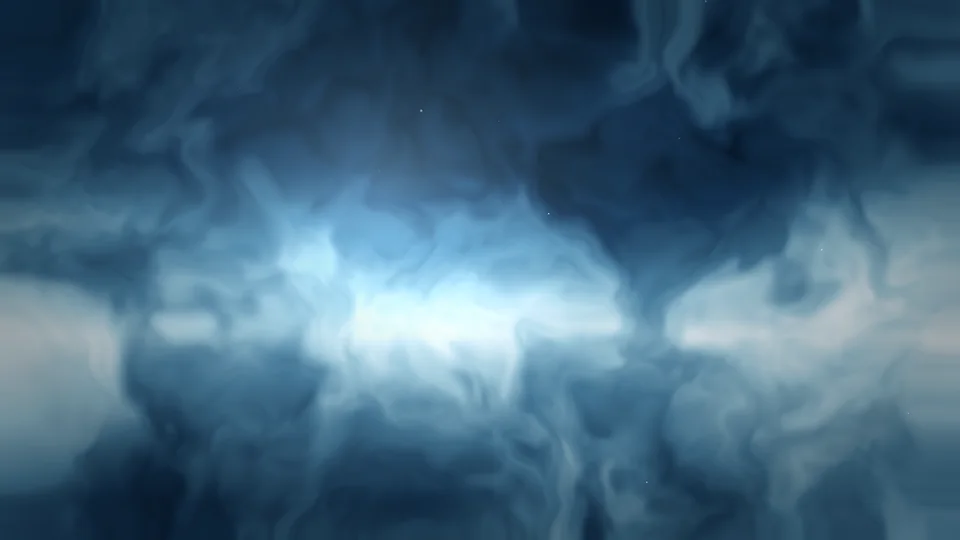 Glacier Ridge
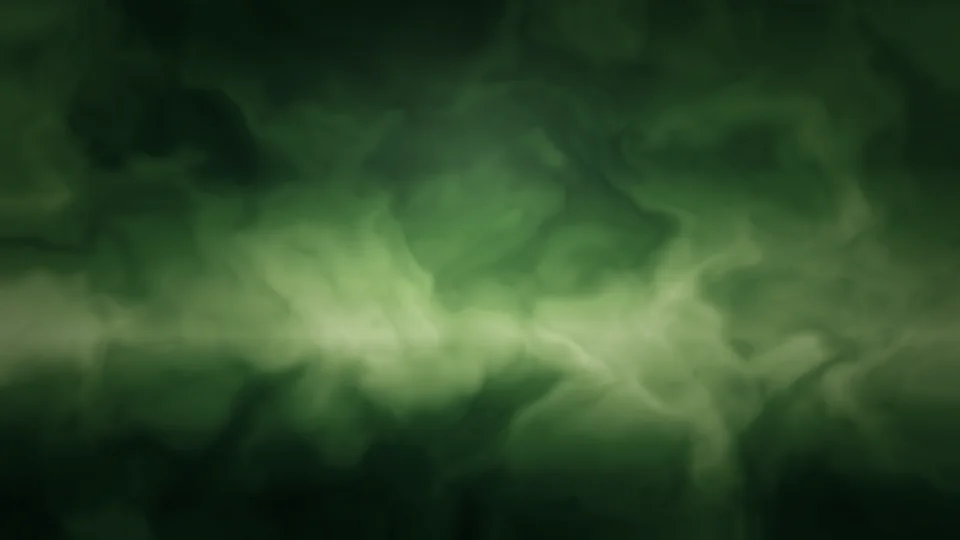 Pine Fog Valley
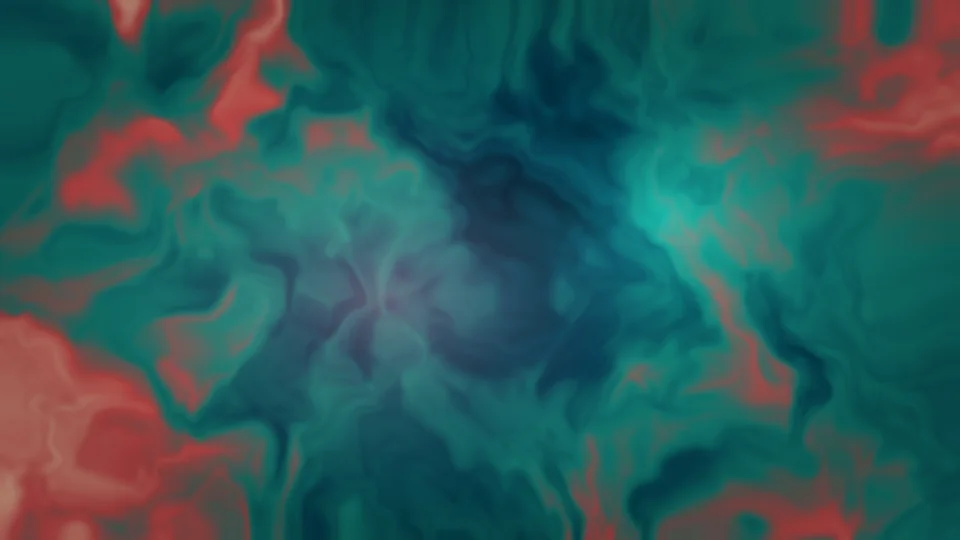 Coral Reef Glow
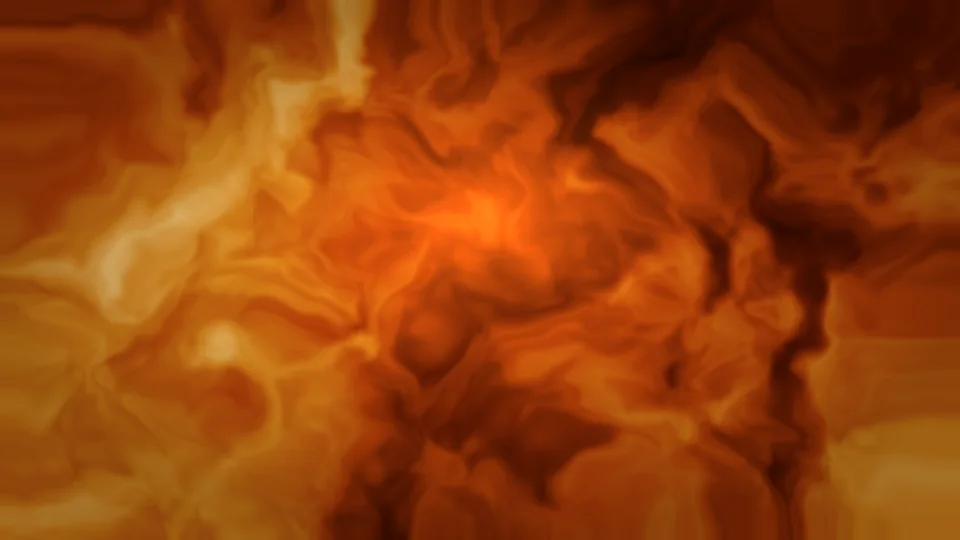 Autumn Canopy
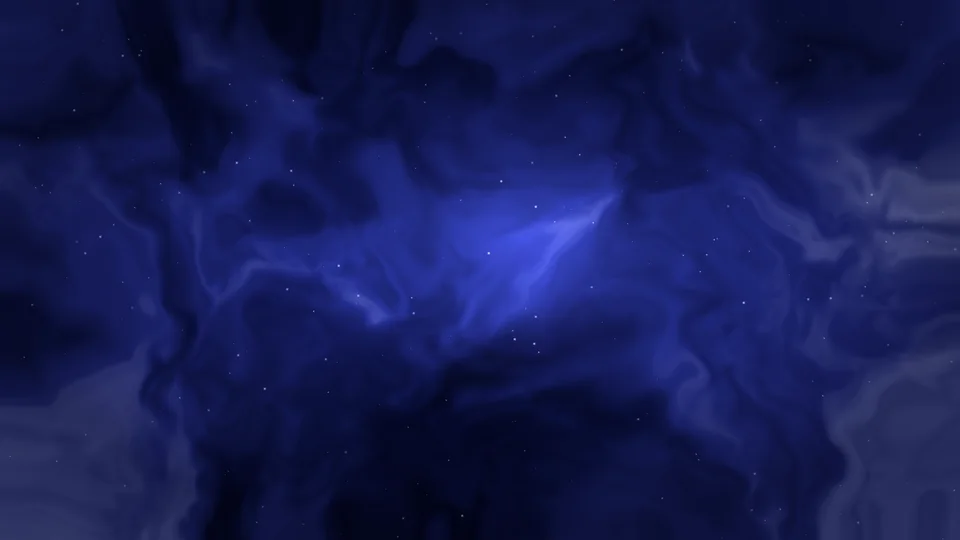 Deep Field Indigo
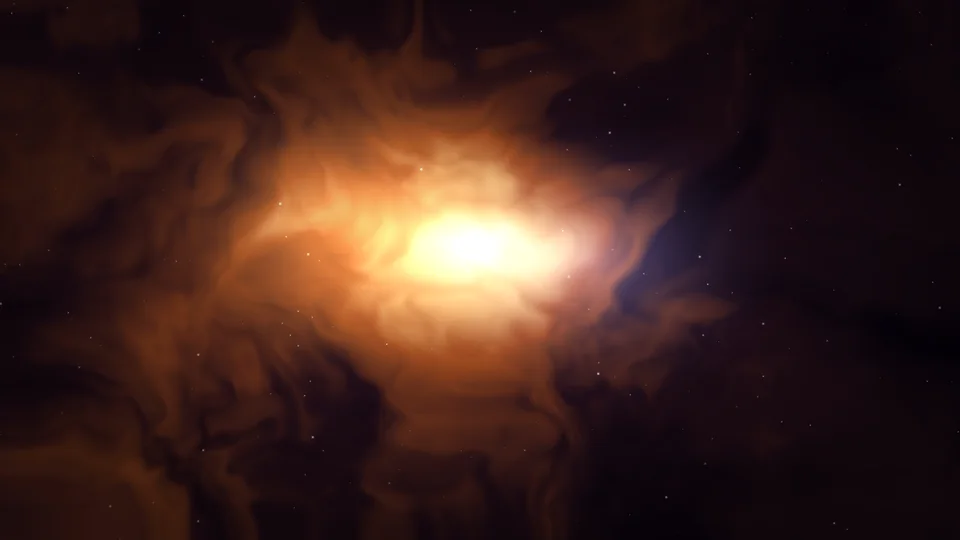 Binary Star Glow
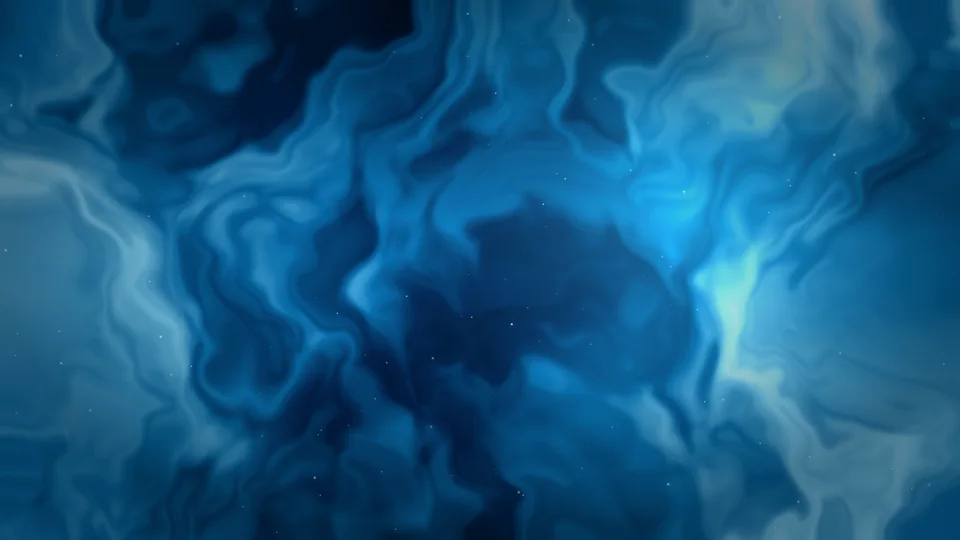 Ion Tail
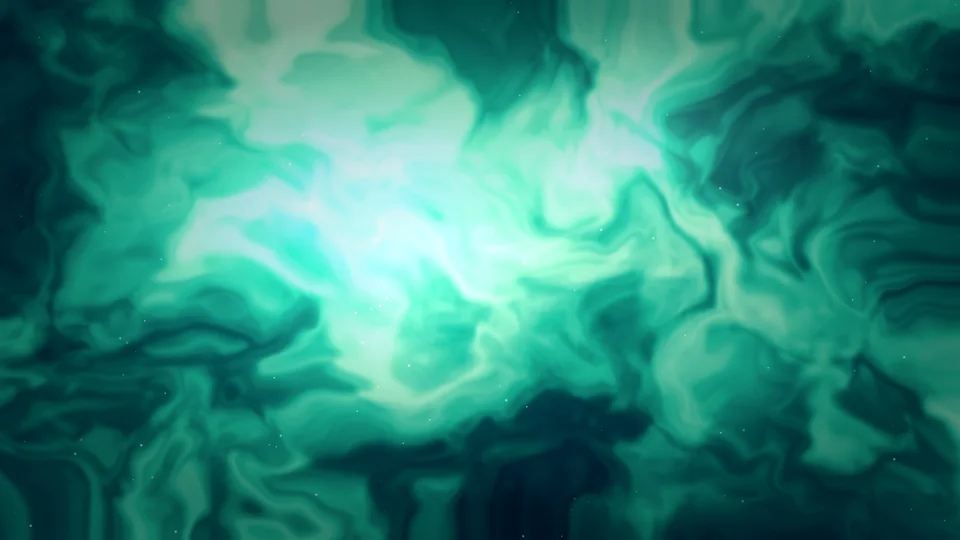 Aurora Over Ice
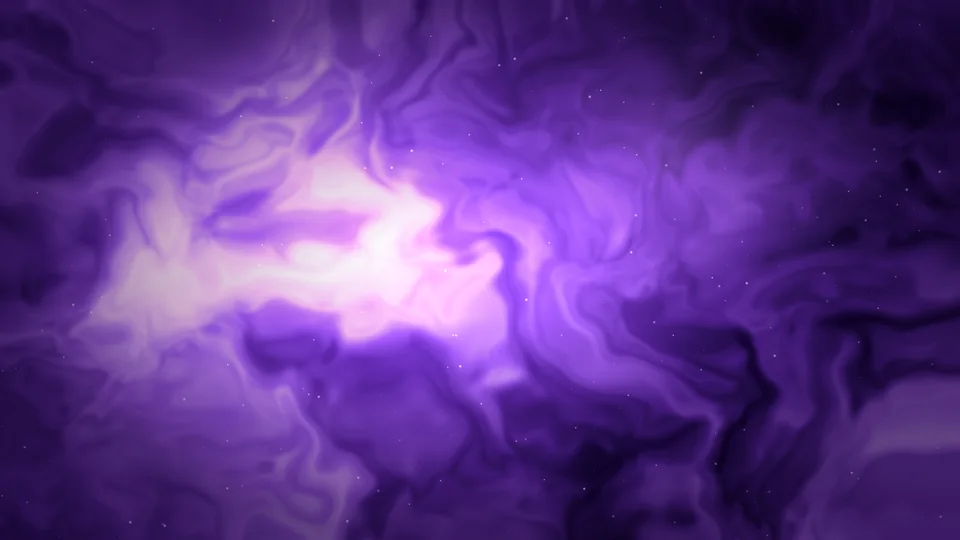 Violet Nebula Drift
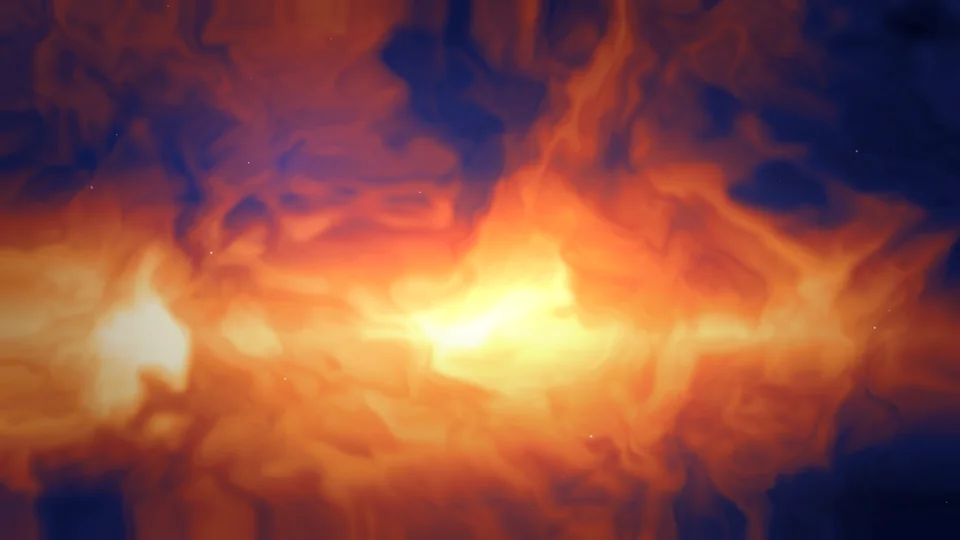 Pacific Golden Hour Ember Silk Mist Forest Light Midnight Tide Lunar Dust Orchid Current Citrus Bloom Glacier Ridge Pine Fog Valley Coral Reef Glow Autumn Canopy Deep Field Indigo Binary Star Glow Ion Tail
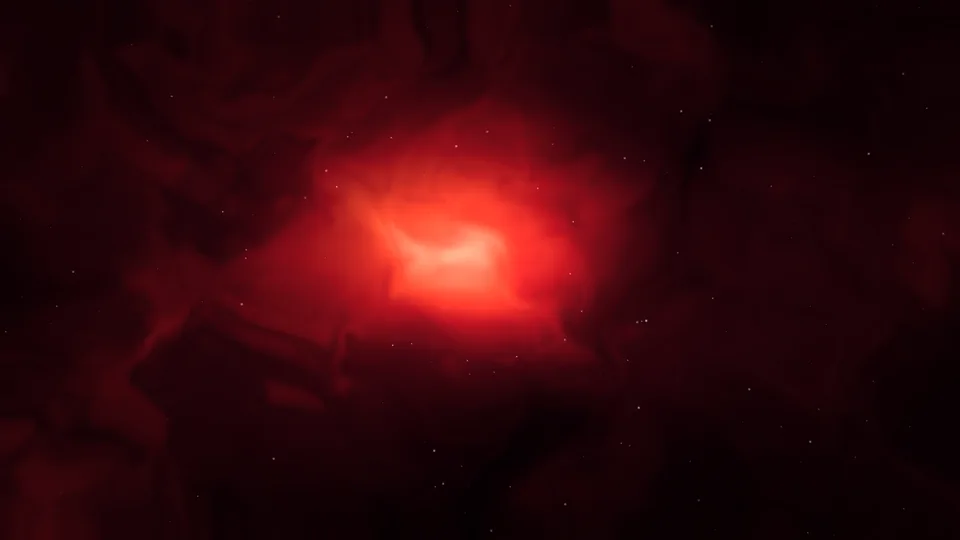 Crimson Eclipse
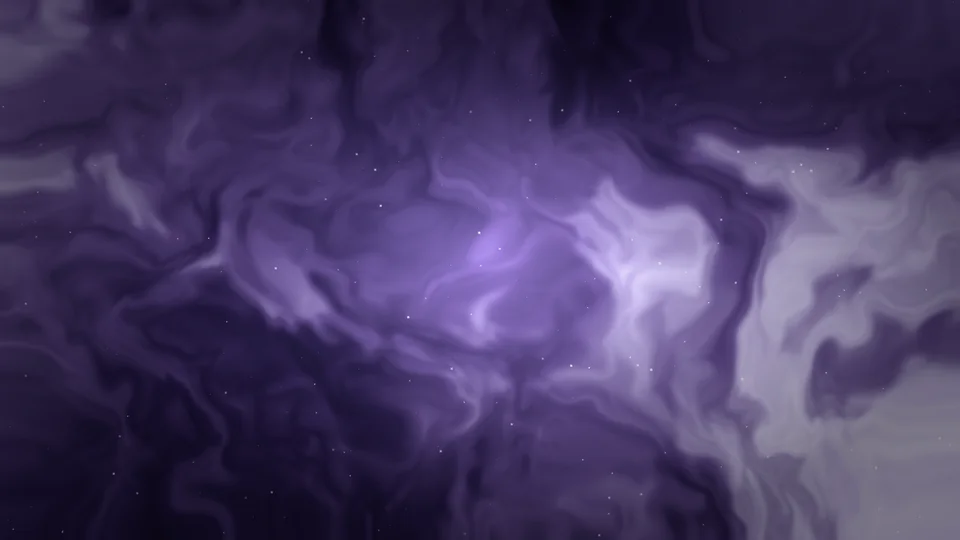 Pale Andromeda
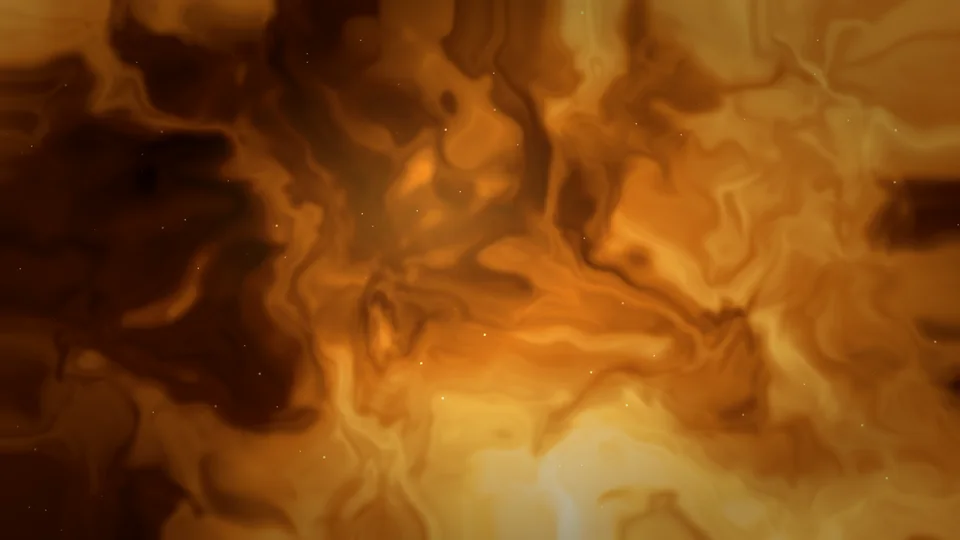 Solar Wind Veil
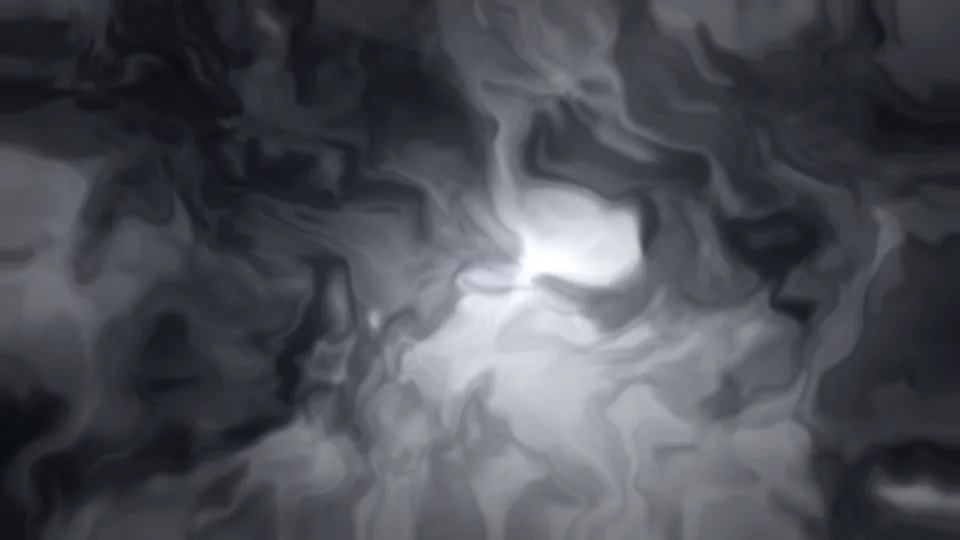 Mercury Ribbon
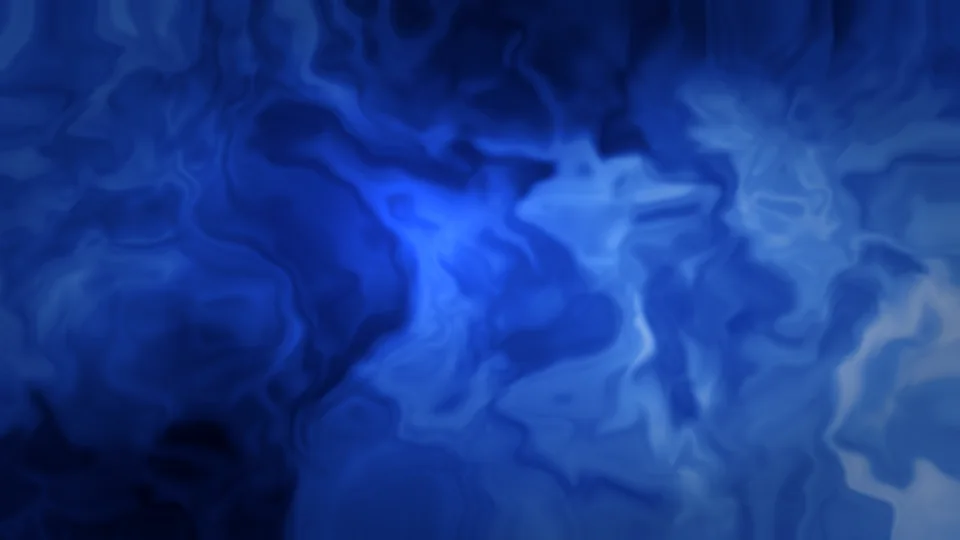 Cobalt Fold
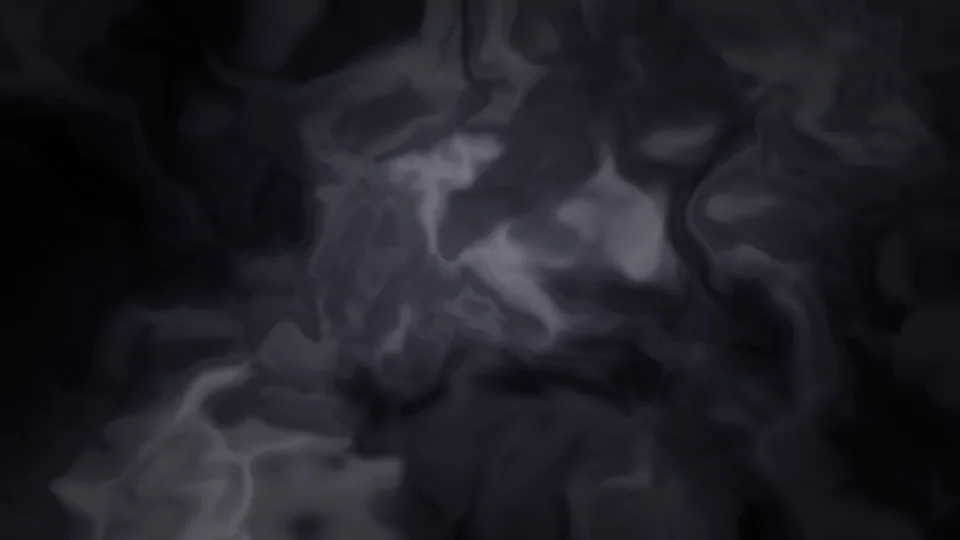 Satin Noir
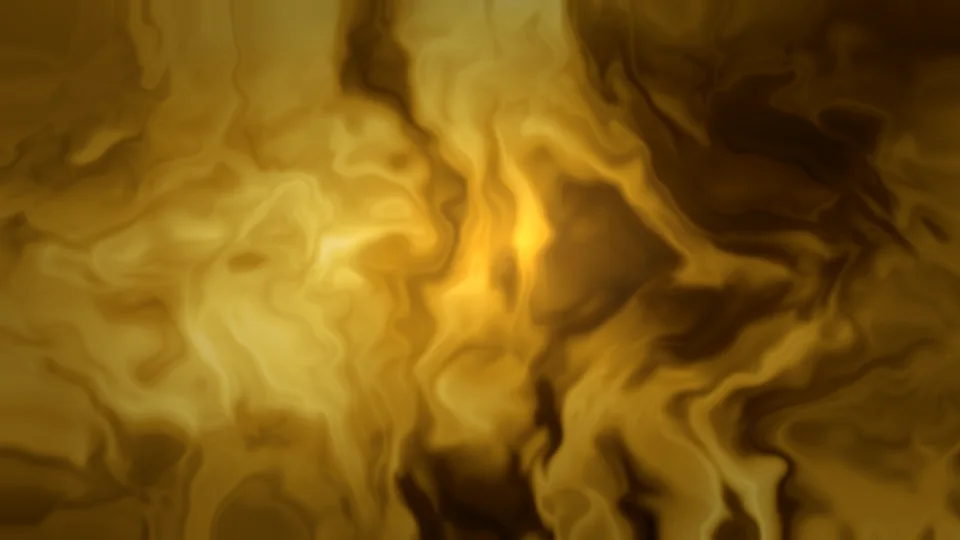 Gold Thread
 Prism Lagoon
 Noir Rain Glass
 Dusk Boulevard
 Amber Study
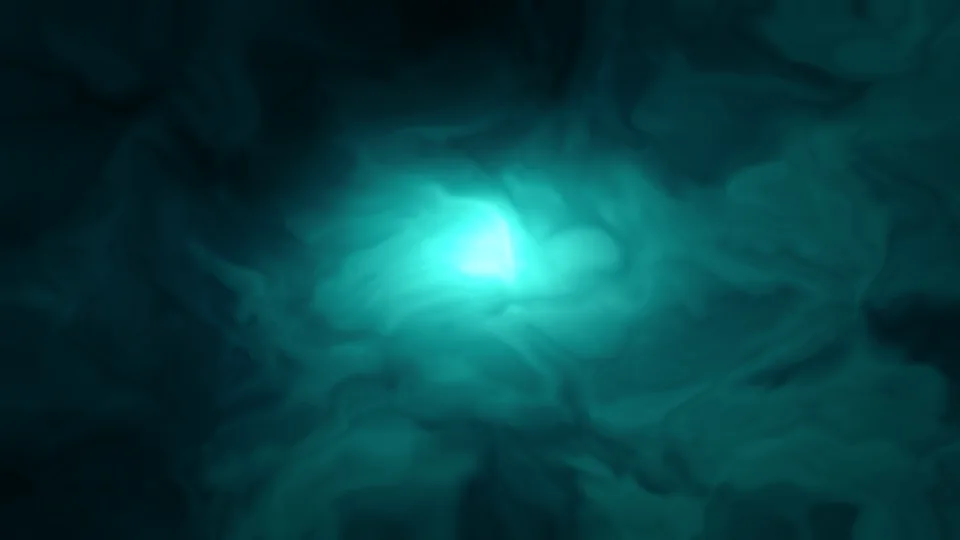 Teal Chamber
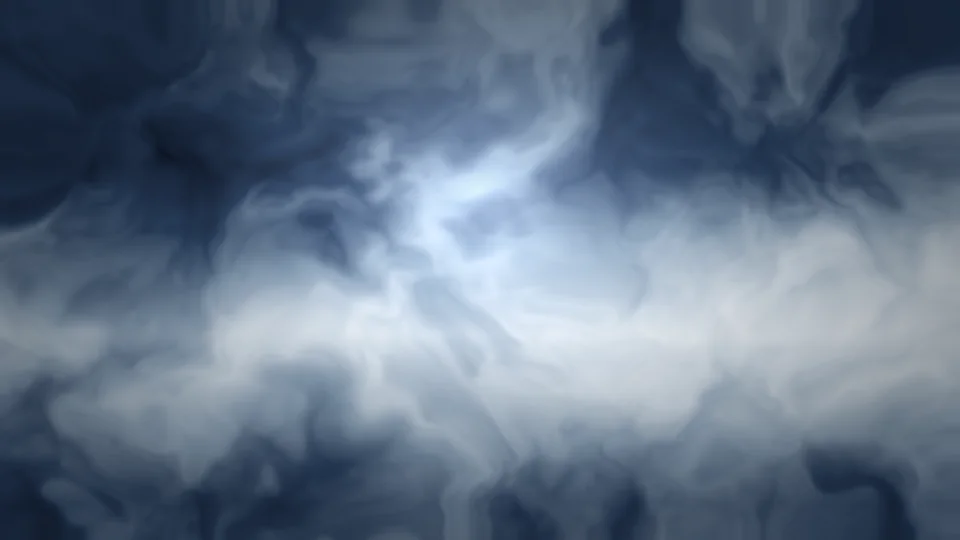 Winter Window
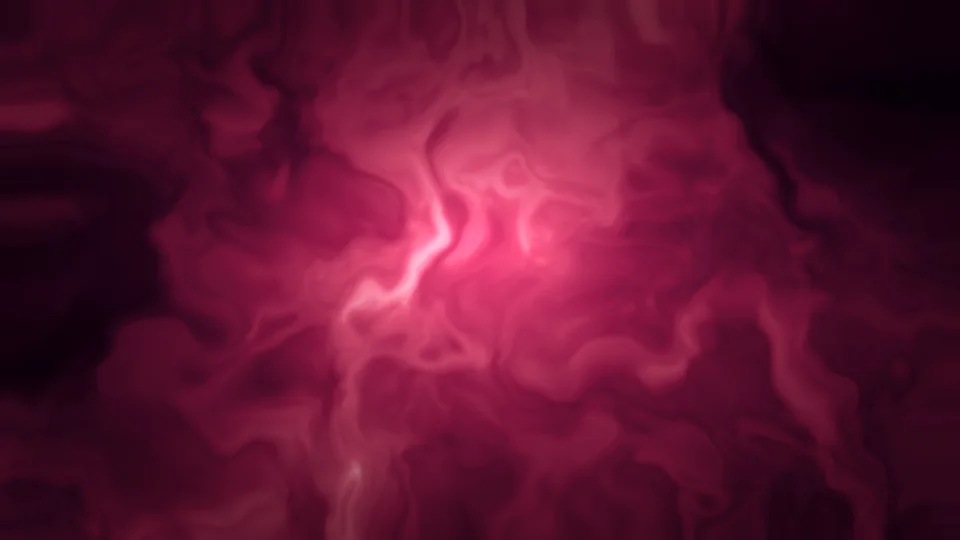 Velvet Hour
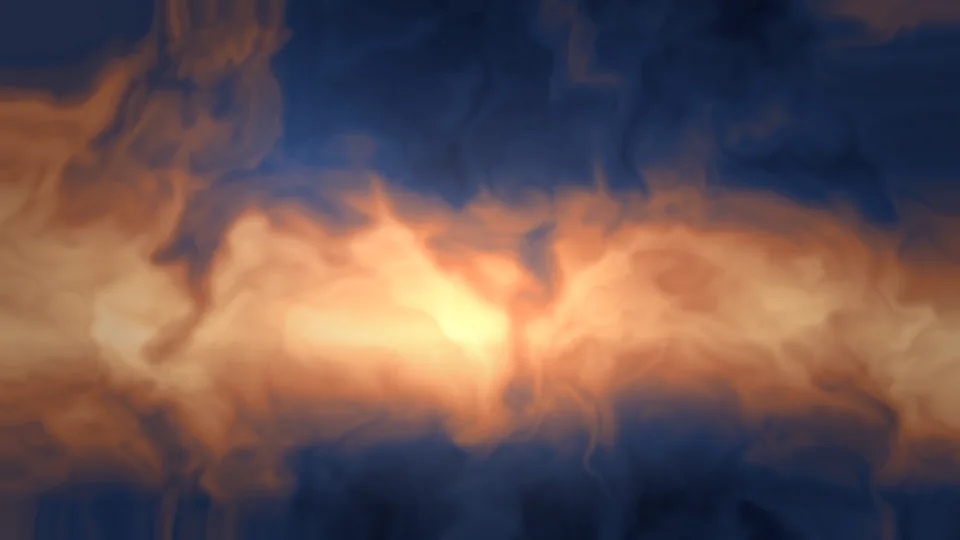 North Sea Dawn
 Ink and Copper Aurora Over Ice Violet Nebula Drift Pacific Golden Hour Ember Silk Crimson Eclipse Pale Andromeda Solar Wind Veil Mercury Ribbon Cobalt Fold Satin Noir Gold Thread Prism Lagoon Noir Rain Glass Dusk Boulevard Amber Study Teal Chamber Winter Window Velvet Hour North Sea Dawn Ink and Copper Aurora Over Ice Violet Nebula Drift Pacific Golden Hour Ember Silk
Counts match the files published on this site. There is no waitlist and no invented user total.
32
Every scene has a 4K, 5K, 6K, and 16:10 MacBook file.
8
Short, muted MP4 and WebM files for scenes marked Live.
4 sizes
3840×2160, 5120×2880, 6144×3456, and 3456×2234.
$0
No account, no app, and no checkout on this site.
Search, preview, and download in the browser. Use System Settings for stills, and the free-methods guide if you want a loop to move.
Grab a still in 4K, 5K, 6K, or a 16:10 MacBook crop. Nothing to install, and no account to create.
Files are prepared for Retina laptops, Studio Display, and other wide desktops, including a dedicated 16:10 crop.
Eight scenes also ship as muted, looping MP4 and WebM files you can use with a free method on macOS.
Open any wallpaper to see it in a Mac-style frame, or expand it to a full-screen preview before you download.
Browse by Nature, Space, Abstract, or Cinematic, or search by title and tag on the gallery page.
Every scene in this catalog is procedural art made for MacWallSpace, not lifted from another wallpaper site.
MacWallSpace is a free website gallery of original wallpapers made for Mac displays. You can browse, preview a scene on a desktop frame, and download stills in 4K, 5K, 6K, or a 16:10 MacBook size. A smaller set of scenes also ships as short looping MP4 and WebM files.
Yes. The stills and live loops published in this gallery can be downloaded at no charge. No account is required.
No. This site is the product. Stills are set in System Settings → Wallpaper. Live loops are ordinary video files; macOS does not officially set an MP4 as the desktop wallpaper, so the live guide on this site lists free workarounds such as a screen saver or a third-party utility you choose yourself.
Every still is offered at 3840×2160 (4K), 5120×2880 (5K), 6144×3456 (6K), and a 3456×2234 crop for 16:10 MacBook displays. Pick the size closest to your screen; macOS can still scale a larger file down cleanly.
Download a size, open System Settings → Wallpaper, and drop the file onto the preview, or choose Add Folder / Photos and select it. You can assign a different still to each display. A full walkthrough lives in the guides section.
Download the MP4 or WebM from a live wallpaper page. Because macOS has no built-in “set video as wallpaper” control, the free-methods guide covers using the file as a screen saver, as a Dynamic Desktop alternative (stills only), or with an optional utility. We do not bundle or sell an app.
Browse the full catalog, preview a scene on a desktop frame, and download a 4K, 5K, 6K, or MacBook-sized file.
Open the gallery